
If your workforce is not sitting at a desk, email can feel like a message sent into a void. Deskless and frontline staff may be on the move, on shift, or without a company inbox, so important updates and actions get missed. QR codes offer a practical bridge from the physical workplace to a measurable digital destination. But QR code marketing only works when every code points to a purpose-built landing page with its own tracking and one clear action. Without that destination and measurement plan, you have simply moved a poster online.
This how-to playbook explains how to reach deskless staff with QR codes you can actually measure. You will start by understanding why email alone cannot reach these teams and what to get right before printing. Then you will work through a placement playbook covering noticeboards and site entrances, payslips and printed wage communications, canteens and welfare areas, vehicles and depots, and shift handovers. You will also learn how to design focused landing pages, compare scans with completions using per-site reporting, check compliance and accessibility, and test new QR code marketing ideas after launch. Finally, you will see why the destination must come before the code.
Why Email Alone Cannot Reach Deskless and Frontline Staff
Most internal communications email campaigns miss shift-based, site-based and mobile workers by design. Many have no work email address; others share a terminal nobody logs into. Email still earns its place for desk-based staff, and NewZapp states that 95% of organisations use internal communications email, a vendor claim to treat as a starting point rather than independent research. Deskless is not offline: many frontline staff carry a personal smartphone but will not read work email on it. That is why placement-led channels such as noticeboards, payslips, canteens and vehicles matter. Even a well-planned internal newsletter reaches the desk, not the depot. QR codes bridge a physical touchpoint and a measurable digital destination; they extend email and the intranet rather than replacing them. Independent scan-rate benchmarks for workplace QR codes are not well established, so treat your first campaign as a baseline, not a performance test.
Before You Print: What to Get Right First
Before designing any code, define who each placement serves and the single action you want: read a policy, book a shift, complete a survey or confirm an acknowledgement. Check device realities first: does the audience carry a smartphone, will they use personal data, and what is the non-phone fallback (short URL, printed form, SMS, line manager briefing)? Agree tracking definitions so scan, landing page view, action started and completion mean the same to comms, HR and IT. Set a naming convention for codes and landing pages covering site, placement, campaign and date, or reporting becomes guesswork within a fortnight. Choose a platform that hosts landing pages and reports per code, which is where NewZapp’s QR campaign tools fit. Test codes on real devices, in real lighting, in a canteen or depot before committing to print. That baseline lets you measure employee engagement without another survey, using scan and completion data alongside existing analytics.
The Placement Playbook: One Code, One Landing Page, One Action
Apply one repeating pattern to every placement. Choose the placement, define the audience and the moment they will scan, then build a single-purpose landing page before you generate a unique code and tag it for reporting.
Do not point several placements at one generic page. You lose relevance for the reader and the ability to tell which placement did the work. A unique code per site, per noticeboard or per shift is what makes per-site scan reporting possible in the first place.
Run the readiness test: if you cannot describe what the reader should do in one sentence, the landing page is not ready to print. Next, we apply this pattern to noticeboards and site entrances.
Placement 1: Noticeboards and Site Entrances
Noticeboards are where the playbook usually starts. They remain the default information channel on many UK sites, yet they are passive and completely unmeasured. Point the code at one announcement and one action, such as confirming you have read the updated safety procedure, not at the intranet home page. Use one code per noticeboard location so reporting shows which sites engage and which need a manager nudge or a different placement. Place codes at eye level, size them for scanning from two metres, laminate against weather, and refresh quarterly or the board becomes visual wallpaper. Expect scans to cluster in the first week, so compare them against the site’s shift patterns before drawing conclusions.
Placement 2: Payslips and Printed Wage Communications
Noticeboards rely on people walking past. A payslip is a physical document every employee receives, making it a useful distribution vehicle for printed inserts. Slip a code into the envelope or print it on the wage communication itself.
Point the code at benefits enrolment, a pay or pension change, or a two-question employee survey. Never the intranet home page.
Print inserts in batches so codes can be segmented by site or department, giving you a rough per-group read rather than one estate-wide figure.
Caution: payroll data plus scan tracking can quickly become personally identifiable, so keep the landing page anonymous unless you have a clear lawful basis.
Placement 3: Canteens, Break Rooms and Welfare Areas
Payslips reach people at home; canteens reach them when they stop. Breaks are one of the few moments frontline staff have both device and time to finish a task.
Design for quick completion: one action, minimal fields. A shift-swap request, training sign-up or wellbeing resource works well. One action only.
Table talkers and till-side posters let you compare dwell areas, but judge completion rate, not scan volume. Scans prove reach; completions prove action.
Test three QR code marketing ideas: seasonal wellbeing, recognition nominations, and a “you said, we did” loop that shows feedback returns.
For accessibility, print high-contrast, oversized codes with a short URL beneath for anyone without a scanner app. Section508.gov guidance on QR accessibility treats codes as images needing alternatives and notes print codes cannot be updated if the linked content changes.
Placement 4: Vehicles, Depots and Lone Workers
Break-room placements reach people on site; drivers, field engineers and lone workers often never reach one. They may work from a cab all day and never open a laptop, so site-based channels assume a pattern they do not have. Place codes on cab stickers, fuel cards, depot gates and vehicle handover checklists. Each should point to one task a driver can finish while parked: defect reporting, policy acknowledgement or rota confirmation. Use a separate code per vehicle or depot. That shows whether the message lands with night shifts and remote teams, which aggregate figures hide. Safety first: never suggest scanning while driving. Design for parked use only, and pair the code with the depot briefing rather than using it to replace the briefing.
Placement 5: Shift Handovers and Team Briefings
Vehicle and depot codes reach people on the move; handovers reach them when they are stationary and listening. Shift handovers and team briefings are scheduled, repeatable moments when a supervisor has the team’s undivided attention for a few minutes. Use the code as the follow-up, not the opener: the supervisor covers the headline, while the code carries the detail, the form and the record. The landing page should do one job, such as acknowledging a briefing, running a short quiz on a safety change, or collecting questions the team raises. One code per shift or team exposes coverage gaps; a night shift at 40% completion against days at 85% would be an illustrative gap worth investigating. Give supervisors a printed card with the code and a clear call to action, for example ‘scan to confirm you have read this’, and keep it in the handover folder.
Designing the Landing Page: One Code, One Action
The handover card has done its job. Everything now depends on what appears on screen.
Strip It Back
Remove navigation, related links, brand films and footers. Leave one headline, one short paragraph and the action. Assume a small screen, one hand, poor signal and a reader who is standing up. Apply the same mobile-first discipline you would use to create a branded email newsletter, only more strictly.
Match the Promise
The headline must repeat what the placement offered. If the canteen poster said “confirm your shift swap”, the page says the same. Anything else feels like bait.
Ask for Less
Keep fields to an absolute minimum, every unnecessary field reduces the chance of completion.
Record the Completion
Add an explicit confirmation step and a thank-you screen, so completion is a recorded event rather than an assumption. NewZapp’s landing page builder lets you publish branded, tracked pages quickly without technical resource.
Measuring It: Scans Versus Completions and Per-Site Reporting
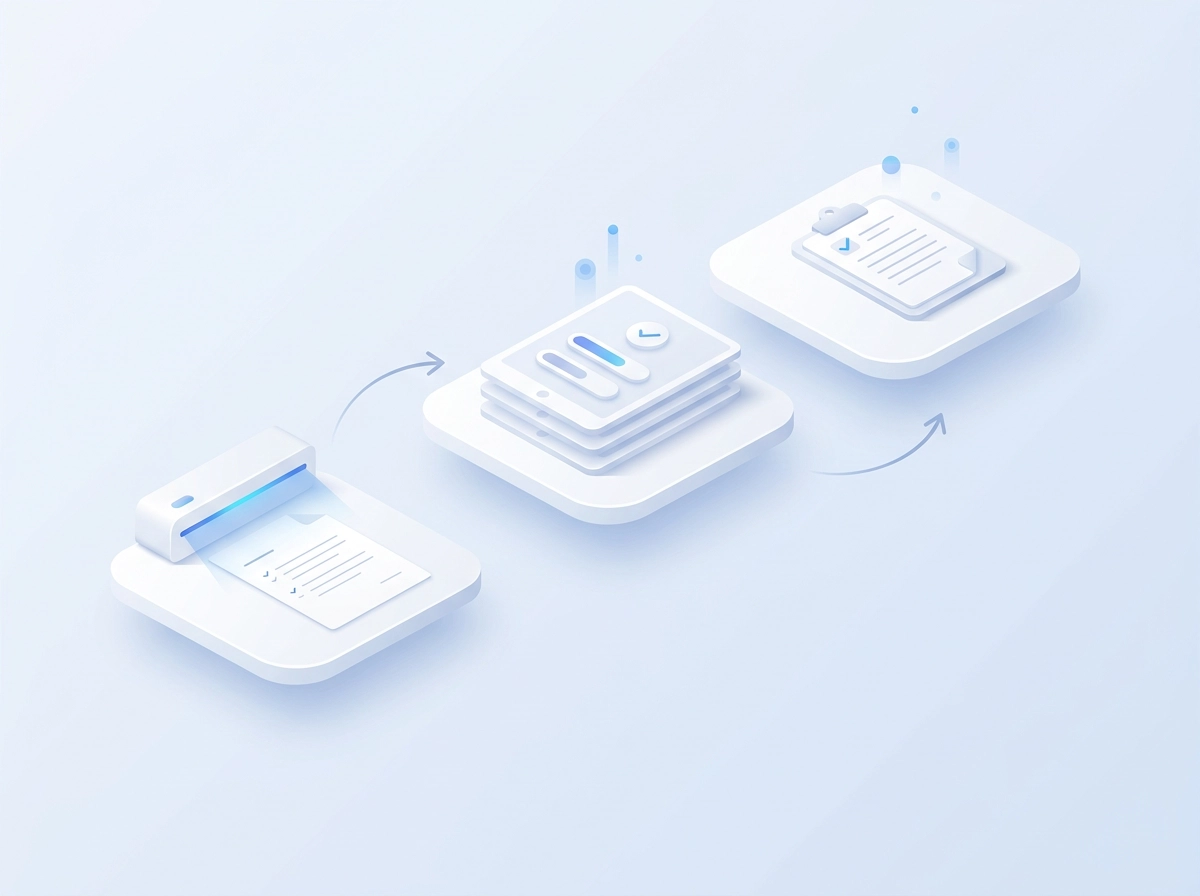
With single-purpose pages live, revisiting the metric definitions set before launch, scan volume proves reach, not understanding or action, so completion must sit alongside it.
Take twelve sites, one code each: 3,400 scans and 1,900 completions give a 56% completion rate. Read that against shift patterns, manager advocacy and placement quality, not as a single number. Per-site reporting lets you target effort. Send a manager briefing to the lowest-completing sites and share the highest performers’ approach across the estate.
Combine QR data with your email analytics, including email scanner reporting, to see who is actually reached across opens, clicks, time and device. Report coverage to leadership, not clicks: “We reached 78% of frontline staff at site level” (illustrative) beats “we sent four emails”.
Compliance, Consent and Accessibility: What to Check First
Before you print anything, settle your lawful basis. A code tied to one vehicle or one site may carry personal data implications depending on how tracking is configured, so confirm you have a valid basis and choose the least intrusive route.
Anonymous or identified?
Decide deliberately. Anonymous landing pages with aggregate reporting suit most campaigns. Identified acknowledgement is appropriate only where the point is a formal record, such as safety sign-off, and staff know it.
Be transparent
Tell staff what the code does, what is recorded and why. State it on the placement and repeat it at the top of the landing page. Visible monitoring is the default position; covert tracking is not defensible.
Accessibility and print testing
Not everyone has a smartphone or a scanner app. Always print a short URL and offer a line manager or paper route, so no one is excluded. When communication is accessible in theory, but not usable in practice, the fault usually lies in the format, not the message. Test contrast, code size and placement height in low light and with gloves on.
Keep a code register
Log every printed code, its destination and campaign date in one register. You can update, repoint or retire a code without a site visit.
QR Code Marketing Ideas to Test After Launch
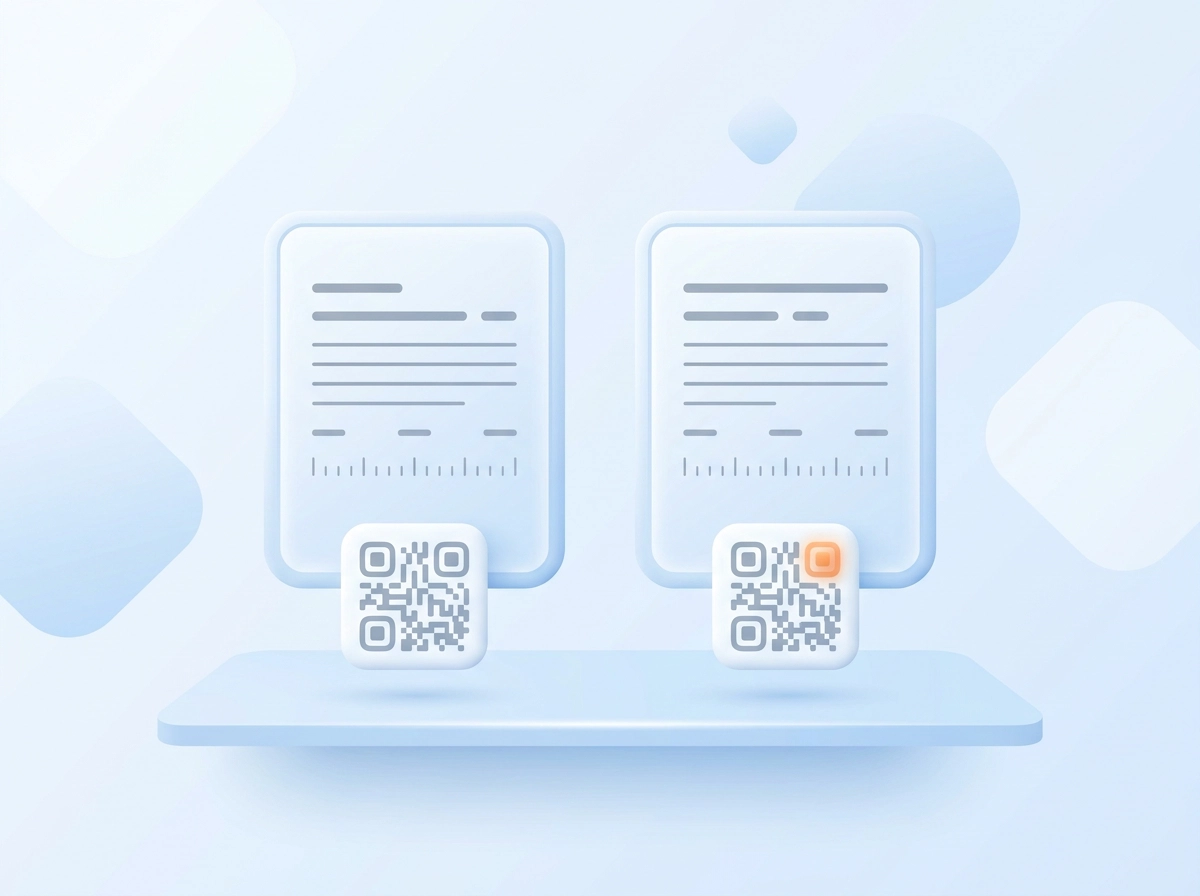
With compliance and accessibility settled, treat your first live month as a testbed. Run a themed QR code marketing campaign across one window, such as Safety Week, benefits enrolment or winter wellbeing, then measure the set as a whole rather than code by code. A/B test two headlines on the same landing page across matched sites to learn what frontline audiences respond to. Add a QR code to internal comms email and the printed newsletter so deskless staff with a device can subscribe to updates. Reuse placements that work instead of inventing new ones; repetition builds the scanning habit. Measure everything from scans through completions. Finally, set a review date: retire codes with near-zero scans and move that print budget to placements earning completions.
Next Steps: Build the Destination Before the Code
Before you brief another print run, build the destination, the same principle stated at the outset.
Independent benchmarks are thin, so your own baseline is this year’s most valuable data. NewZapp hosts the landing pages, runs the QR campaigns and reports engagement alongside your email analytics, so reach and measurement live together. To improve email deliverability and engagement, keep both views side by side.
Conclusion
Reaching deskless and frontline staff takes more than email. It takes QR codes placed where people already are, each pointing to a single-purpose landing page with one clear action. Measure scans and completions by site, then keep what works and retire what does not. Consent, accessibility and compliance must be checked before you print. The payoff is real: measurable reach into canteens, depots, payslips and shift handovers, with data you can act on. So before your next print run, choose three placements, build three landing pages, generate one code each, and set a 30-day review. Build the destination first, then let every scan prove your internal comms can reach everyone. Start today.
Frequently Asked Questions
Why isn't email enough to reach deskless and frontline staff?
Many shift-based, site-based and mobile workers have no work email address, or share a terminal nobody logs into. Even a well-planned internal newsletter reaches the desk rather than the depot. Email still matters for desk-based staff, but placement-led channels such as noticeboards, payslips, canteens and vehicles are needed to reach everyone else. QR codes extend email and the intranet rather than replacing them.
What should I get right before printing QR codes?
Define who each placement serves and the single action you want, such as reading a policy, booking a shift, completing a survey or confirming an acknowledgement. Check whether the audience has smartphones and what non-phone fallback you will offer, such as a short URL, printed form, SMS or line manager briefing. Agree tracking definitions across comms, HR and IT, set a naming convention for codes and pages, and test codes on real devices in real lighting before committing to print.
Why should each QR code have its own landing page and tracking?
A unique code per site, noticeboard, shift or placement, each pointing to its own single-purpose landing page, makes per-site scan reporting possible. Pointing several placements at one generic page reduces relevance for the reader and makes it impossible to tell which placement did the work. The readiness test is simple: if you cannot describe what the reader should do in one sentence, the page is not ready to print.
What is the difference between scans and completions, and which should I measure?
Scans show reach, while completions show that someone took the intended action. Both should be measured, but completion rate is the more meaningful indicator of understanding and action. For example, 3,400 scans and 1,900 completions across twelve sites gives a 56% completion rate. Read these figures against shift patterns, manager advocacy and placement quality rather than as a single headline number.
What compliance and accessibility checks are needed before printing QR codes?
Confirm your lawful basis before printing, especially where scan tracking could become personally identifiable, such as on payslips. Choose anonymous landing pages with aggregate reporting unless an identified acknowledgement is needed for a formal record, and tell staff what the code records and why. Always print a short URL and offer a line manager or paper route for people without smartphones or scanner apps. Test contrast, code size and placement height in low light and with gloves on, and keep a register of every printed code and its destination.