
Is your Email Communications Provider lying to you?

Metrics that matter in email communications

Is your Email Communications Provider lying to you?

Microsoft Outlook has gone through many changes over the years, sticking faithfully to its principles when it comes to how it deals with HTML emails

Microsoft Outlook has gone through many changes over the years, sticking faithfully to its principles when it comes to how it deals with HTML emails:

  • No images (unless downloaded or the from address is on a safe senders list)
  • No Videos
  • No control over fonts (if you lazily cut and paste from a word doc!)

In its latest versions of Office 365 we have been introduced to a new challenge, Safe Links.

Safe Link scanning | Microsoft Outlook

Safe Links is a feature in Defender for Office 365 that provides URL scanning and time-of-click verification in email messages and other locations.

Questioning the honesty of email communications providers
Evaluating the transparency and honesty of your email communications provider

In a nutshell – before your email is seen by the recipient, their outlook will “click” on every link to check it is safe.

“But hang on… We track clicks in our email marketing software?”

Yep, you do. Cold hard facts time, are you sat down?

Your email campaign reporting is lying to you. Thanks to Microsoft Outlook and Office 365 clicking every link on your email, it is falsely reporting high click rates.

I’m afraid the software you use will not know the difference between a safe link click (from now on known as a spambot!) or a genuine recipient click.

When is a click not a click?

Let’s look at what that means in a real campaign. This data was provided by a NewZapp customer who also has access to another provider (no names to spare blushes).

2 campaigns | 1 month apart | same sized database.

NewZapp
4,867 clicks in total – click to open rate 7.1%

Other Provider
64,999 clicks in total – click to open rate 63.4%

Escalating concerns with email communications providers
Addressing escalated concerns with email communications providers

Unless the 2nd email was giving away free iPads, this data is wrong and they are recording spambot clicks.

Yes, massive (but wrong) click rates may get you a pat on the back, but when sales don’t go up in equal measure, awkward questions will need to be answered!

“It’s ok – my provider will sort it out”

This is what some of the big guns say on their support forums:

My Mailchimp report shows unusually high clicks
A spam filter may be clicking your links.
Some aggressive spam filters click links in emails to check for malicious activity before they’ll deliver them to the recipients. Unfortunately, there’s no way for us to see if a link has been clicked by a spam filter or your intended recipient, but if you see an unusually high number of clicks from a single domain, it’s likely to be a spam filter.

So it’s a “not our problem” from MailChimp, what about Sendinblue?

What Are Phishing Filters and How Do They Work?
Phishing filters and anti-phishing toolbars are software that’s used to scan emails and websites for potentially malicious links and content.
Internet security vendors and internet browsers, such as Microsoft Internet 7.0, Opera, and Firefox, have built-in spam blockers and phishing filters.

Well they are still talking about Opera, so let’s give them 4 – 5 years to catch up 😊

“So what are NewZapp doing?”

We have been sending email campaigns for our customers for over 18 years and know how vital the reporting is. It has to be correct otherwise bad strategy decisions are made.

Our development team are using good old fashioned elbow grease on this one. They are going through customer report data with a fine tooth comb to detect spambot clicks and remove them from the reporting.

Hard work and diligence in email communication management
Recognising the hard work behind effective email communication strategies

It is painstaking work – but we feel it is worth the effort to ensure our customers data is as accurate as it can be.

Does that mean the click rate we report are lower than other providers? Yes

It does means they are true.

NewZapp or Microsoft Outlook?

Salisbury NHS Foundation Trust were using Outlook to deliver their campaigns to 4,000 employees. They switched to NewZapp in July 2021.

They send over 100,000 internal emails every month. Every one of these emails is guaranteed to reach the required destination and they do so far quicker than Outlook was able to achieve.

But it is the increased visibility that makes the biggest difference. Salisbury can now see the performance of every single email. Since using NewZapp Trusted Delivery they have used the analytics to inform their strategy which has increased their open rates to 60%.
See how NewZapp helps comms teams reach every subscriber and prove engagement in 30 minutes.

Fill out the form to get a guided walkthrough of our award winning communications platform. The demo takes approximately 30 mins and is done online at a time that suits you. We’ll take a look at the following areas:
  • The easy to use email editor
  • Creating a survey
  • Contact management
  • Improving delivery & response rates
  • Detailed result analytics
After the demo, get your own NewZapp account free for 30 days.

Book A Demo

Filter Categories

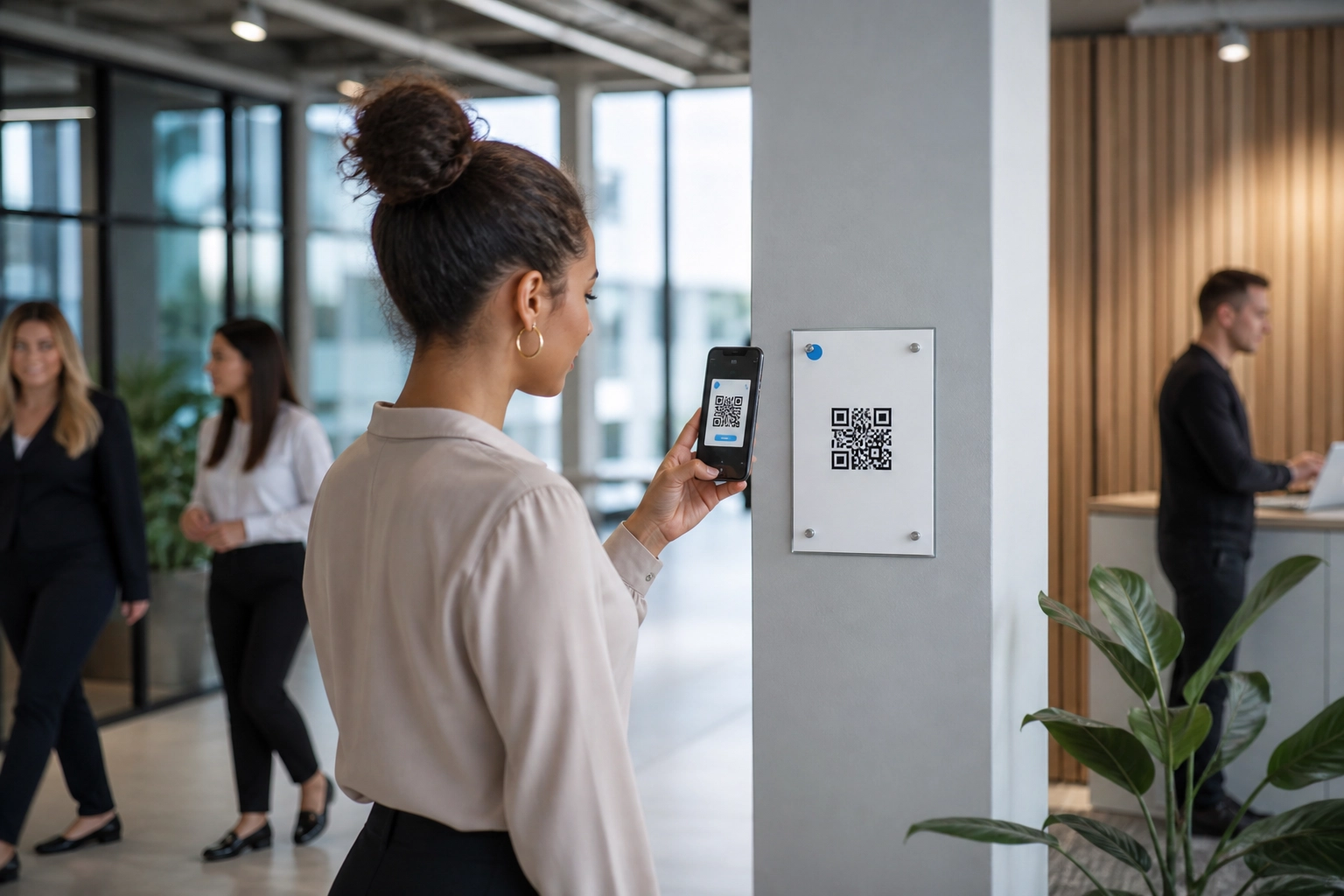
Branded QR codes fail when they sit in corridors nobody pauses in. This placement playbook shows how to audit surfaces by moment of need and dwell time, tier them, and test what actually gets scanned.
Polite agreement is the most common answer to an engagement survey and the least useful one. Here is how to write questions people can answer candidly, with rewrites you can reuse.
Staff emails compete with everything else in the inbox. This analysis looks at why internal communications struggle for attention, what open and click data really proves, and how to build a measurement routine you can take to stakeholders.
Feature grids make every internal communications platform look the same. This evaluation framework covers what actually separates them: where employee data sits, what your reporting can prove, and whether feedback lives next to the send.
Email alone leaves frontline and deskless staff out of the loop. This playbook shows where to place QR codes, what each one should link to, and how to measure whether anyone acted.
Public sector stakeholder updates demand more than a send button. This analysis sets out the hosting, data protection and measurement standards a compliant UK email updates platform should meet.

The Collaboration Clutter Crisis: Why Slack and Microsoft Teams Are Failing Internal Communications

Internal communication has become lost in the noise of tools like Slack and Microsoft Teams, where important updates compete with chat, notifications and channel clutter. While these platforms excel at quick collaboration, they’re not designed for delivering messages that need attention, comprehension or action. As a result, critical updates get buried, employees miss information, and organisations face widening gaps in alignment and engagement — especially among frontline or non-desk staff who may not use these tools at all.

Read The Blog »

The Culture Chameleon: Why Colour-Changing Organisations Eventually Face the Consequences

This article explores the “culture chameleon” effect: when organisations change colours publicly while living a different reality internally. Through the BrewDog case and echoes from Uber, Wells Fargo, Boeing and WeWork, it reveals the cultural and reputational consequences of contradiction and shows how internal communicators help anchor authenticity and protect organisational trust.

Read The Blog »

NHS Trust Rankings 2025: Could Internal Comms Decide Your Place?

Royal Papworth Hospital NHS Foundation Trust, a leading heart and lung hospital in the UK, was facing significant challenges with its internal communication system. The Trust needed to modernise its approach, as persistent issues with its legacy communications platform, were affecting staff engagement and timely communication

Read The Blog »