
You send the email. You track the delivery. Then silence. For many internal communications leads, this is a familiar and frustrating cycle. Email remains the default channel for reaching staff, yet its persistence in our inboxes does not guarantee its effectiveness. The modern employee is inundated with information, making attention, not delivery, the real bottleneck for internal messaging.
This analysis confronts that challenge head-on. We will explore why internal email still holds its place and why capturing staff attention has become so difficult. The solution, however, is not to abandon email but to measure it more intelligently. This post will guide you through what internal email data can actually tell you, where common metrics like opens and clicks can let you down, and how to build a defensible measurement framework. We will examine the privacy considerations of tracking staff and provide a practical example of turning data into decisions. By the end, you will have a clear understanding of how to make the case for better tools and use analytics to turn every send into evidence for the next.
Why Internal Email Still Holds Its Place
Email remains the channel nearly every organisation relies on to reach staff. The often-quoted 95% figure, however, is a vendor claim that needs independent corroboration before it goes in front of a sceptical finance director.
Its endurance is structural. Email reaches deskless, frontline and shift-based staff who may have no corporate app or laptop. It demands no new behaviour or app adoption, leaves a searchable record of what was said, and segments cleanly by site, department or role. Set against intranets, Teams or Slack channels, SMS, printed briefings and manager cascade, its advantage is universal reach rather than engagement quality. An internal communications platform can add measurement to that reach, but reach alone guarantees nothing.
The problem is not the channel but the attention it competes for, and the fix begins with knowing what actually happens after send. This piece sets out which metrics mean something and which do not, a workable measurement routine with a testing example, and the privacy line that sits around all of it.
Why Attention, Not Delivery, Is the Bottleneck
The channel’s reach is not in question; the contest begins at the inbox. A typical staff inbox carries internal newsletters, HR and payroll notices, IT alerts, system notifications and a stream of chat and task updates, all queuing for the same glance. Gloria Mark’s research reports an average of 47 seconds on any screen. In practice, people read sender name, subject line and preview text in seconds, batch email into a few moments a day, and delete or archive anything whose purpose is not immediately clear.
The causes usually sit inside the communications team’s control: one undifferentiated all-staff list, urgent and nice-to-know messages in the same send, an unpredictable cadence that trains staff to ignore, and desktop-first layouts read on a phone. Hybrid, remote and shift work spread attention across devices and hours, so timing and small-screen rendering matter. Without data, decisions fall to the loudest voice, the last complaint or habit. That is how a channel drifts into being ignored, and why understanding what causes internal emails to miss staff inboxes matters before measurement can begin.
What Internal Email Data Can Actually Tell You
The answer begins with a compact, stable set of measures: delivery and bounce rates, open rate, click rate and click-to-open rate, unsubscribes and complaints, plus the time and day an email was viewed and the device used. Read together, they form a diagnosis, not a scorecard. A low open rate points to subject line, sender identity or timing; strong opens with weak clicks point to content, layout or an unconvincing call to action.
Device data is a design brief: a heavily mobile audience needs short subject lines and scannable structure. Timing data is a scheduling brief: shift-based teams need sends timed to real breaks, not desk hours. Content-level click data shows which stories and sections people act on, while real-time reporting lets you catch a poorly performing send and adjust the next one rather than waiting for a post-mortem.
For context, platforms such as NewZapp report opens, clicks, social shares, unsubscribes, view timing, device and the parts of an email that draw most attention, which is useful when scoping capability; see choosing an internal comms email platform.
Treat all of these as behavioural proxies, not proof of reading. The next question is where the numbers mislead.
Where Opens and Clicks Let You Down
Used wisely, those proxies still mislead in predictable ways. Many email clients block images by default or load them automatically, and Apple’s Mail Privacy Protection pre-fetches remote content, so an open can register before anyone has looked. That inflates open counts and makes year-on-year comparisons shaky.
Machine Opens and Phantom Engagement
Preview panes, security scanners and automated archiving can each record an open no person performed. A rising open rate may therefore reflect infrastructure, not interest. Clicks undercount in the opposite direction: readers act offline, forward to a colleague, or absorb a message without clicking anything, so a low-click send is not automatically a failed send.
That is why single-metric targets backfire. Chasing opens pushes teams towards clickbait subject lines, which lifts the number and erodes the trust the channel depends on.
Triangulate Before You Conclude
Pair the dashboard with staff surveys and polls, direct feedback, intranet or search analytics, and manager confirmation at team meetings. A handful of qualitative reader conversations will explain movements no report can. Our guide to writing an internal newsletter employees actually read shows how structure, cadence and subject lines feed this evidence loop.
Honesty is the strongest asset here. An internal comms lead who tells stakeholders plainly what the numbers cannot prove is far more credible when they then argue for a change.
Building a Measurement Framework You Can Defend
Knowing what opens and clicks cannot prove is the first step towards a framework you can actually use. Fix a small, stable metric set and a baseline period, so a 12-month view remains comparable with a single quarter. Tie measures to intent: reach for awareness sends, clicks for action sends, unsubscribes for audience fit.
Segment reporting by site, function or shift pattern rather than publishing one all-staff average, because a strong result in one team can mask a channel that has gone cold elsewhere. Set a review cadence with named ownership: weekly for operational and urgent sends, monthly or quarterly for newsletters, with someone accountable for reading the numbers and proposing the next change.
Use a shared results template answering four questions every time: what was sent, to whom, what happened, and what will change as a result. Evidence then accumulates instead of being rediscovered each quarter. Add a lightweight qualitative loop, such as a one-question poll or a short sample of reader feedback, to explain movements the dashboard cannot. For a continuous view of engagement, measure employee engagement without another survey. Keep reporting at aggregate or team level by default, which protects staff and makes results easier to discuss openly.
From Data to Decisions: A Worked Testing Example
One variable at a time
Begin with subject lines. Split the audience, or alternate sends, between a question-led line and a direct benefit-led one, holding content, sender and timing constant. The subject line is the right variable to test for opens, since nothing inside the email can influence a decision made before it is opened.
Then test timing. Once view-time data shows when people open, compare an early send timed around shift handover with a mid-morning send, reporting each audience group separately; teams on different working patterns may respond differently.
Then format: a single-story short email against a multi-story newsletter, judging click rate, unsubscribes and replies together rather than any one number alone.
Keep the rules honest. Change one variable at a time, keep samples realistic, run a full communication cycle before calling a winner, and accept that a small lift may be normal variation. A test that never reaches significance still teaches you something.
Close the loop: report the result, adopt the winner as the new default, queue the next test. Log each outcome so you can measure everything against a growing baseline, and so a documented test with a measured lift makes your business case for you. Senior stakeholders are persuaded by evidence, not assertion.
Tracking Staff Fairly: Where the Privacy Line Sits
The instinct to test and refine every send runs straight into a legal boundary: open tracking, device identification and view timing all create personal data about identifiable employees. UK GDPR applies, and the ICO’s guidance on monitoring workers should be checked and cited before any of this is operationalised. Note that consent is rarely a valid basis here, since staff cannot freely refuse an employer’s request; the ICO’s 2023 guidance makes this explicit and was refreshed to reflect hybrid working. The ICO’s workplace monitoring guidance sets out the tests.
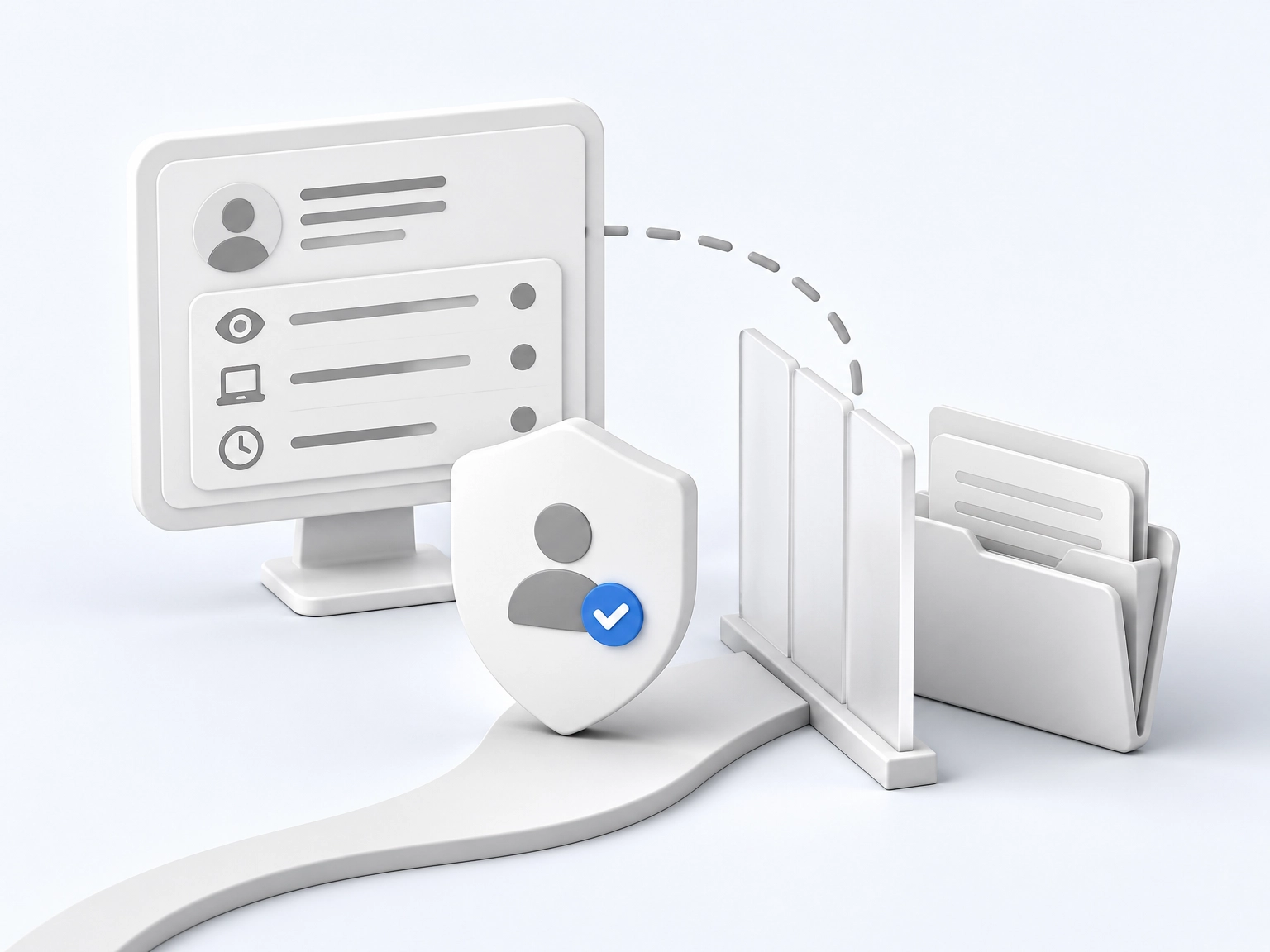
Treat aggregate and team-level reporting as your default. Individual leaderboards ranking staff by opens are both legally risky and analytically useless, since opens are unreliable proxies anyway.
Transparency is non-negotiable: tell employees what is measured, why, and what will never be done with it, and publish that in a communications policy or privacy notice staff can actually find. Apply purpose limitation and proportionality: collect only what you will act on, set a defined retention period, and never repurpose engagement data for performance management without a clear lawful basis.
Involve HR, legal and any recognised unions or works councils early. Consider whether staff can opt out of tracking without losing access to the communication itself, which is where channels like QR code campaigns for deskless staff can help, reaching people through routes that need no inbox tracking at all.
Making the Case for Better Tools and Better Results
With a defensible privacy position agreed, the internal ask changes. Stop arguing for a new tool and start showing current performance plus one documented test result. A baseline and a measured lift are stronger than a preference.
Make the arithmetic plain. If a tested subject line lifts open rate by two percentage points across 2,000 staff, that is about 40 more readers per send; over 50 sends, roughly 2,000 extra reads. Use your own audience numbers.
Argue tooling on operational grounds too: consistent rendering across email clients, segmentation, scheduling for shift patterns, and UK-based hosting where data protection is a stated requirement. Treat vendor reach and engagement claims as hypotheses, not facts. Ask for a trial using your lists and content.
Use a demo checklist: reporting granularity; aggregate-only reporting; data retention and hosting location; integration with the staff directory; accessibility support for assistive technology. Pair the case with visible follow-through, as in You Said, We Did: Acting on Engagement Survey Results, so better tools are tied to demonstrable action.
Every Send Is Evidence for the Next One

The case for better tools is strongest when it becomes a habit rather than a one-off project. Start this week by picking three or four measures, recording where you stand now, and noting the date. Nothing else in this framework works without that starting point.
Then make the routine concrete:
- Segment your reporting by audience group, so a strong all-staff average cannot hide a team that has stopped reading.
- Diary one test and one review meeting. Keep the rules simple: one variable changed, one cycle run, one decision made.
- Write down what the data cannot tell you. Pair the numbers with a short poll or a few reader conversations before you claim success.
- Agree your privacy position with HR or legal before you track anything further, keeping reporting aggregate and transparent.
None of this requires a new platform or a bigger budget. It requires a baseline, a calendar entry and the discipline to record what happened. Do that consistently and the next send is no longer a guess. It is the next piece of evidence.
Conclusion
Internal email still earns its place, but delivery metrics alone will not tell you whether anyone is paying attention. Measure attention, segment your reporting so a strong all-staff average cannot hide a team that has stopped reading, and pair opens and clicks with polls or reader conversations before claiming success. Agree your privacy position early, keeping reporting aggregate and transparent.
The next step costs nothing: pick three or four measures today, record where you stand, and note the date. That baseline is what makes every later claim defensible.
Then keep the rhythm simple. One test, one review meeting, one decision, repeated. As Newzapp’s You Said, We Did example shows, visible follow-through is what turns measurement into trust. Start this week, and your next send stops being a guess. It becomes evidence, and evidence compounds.