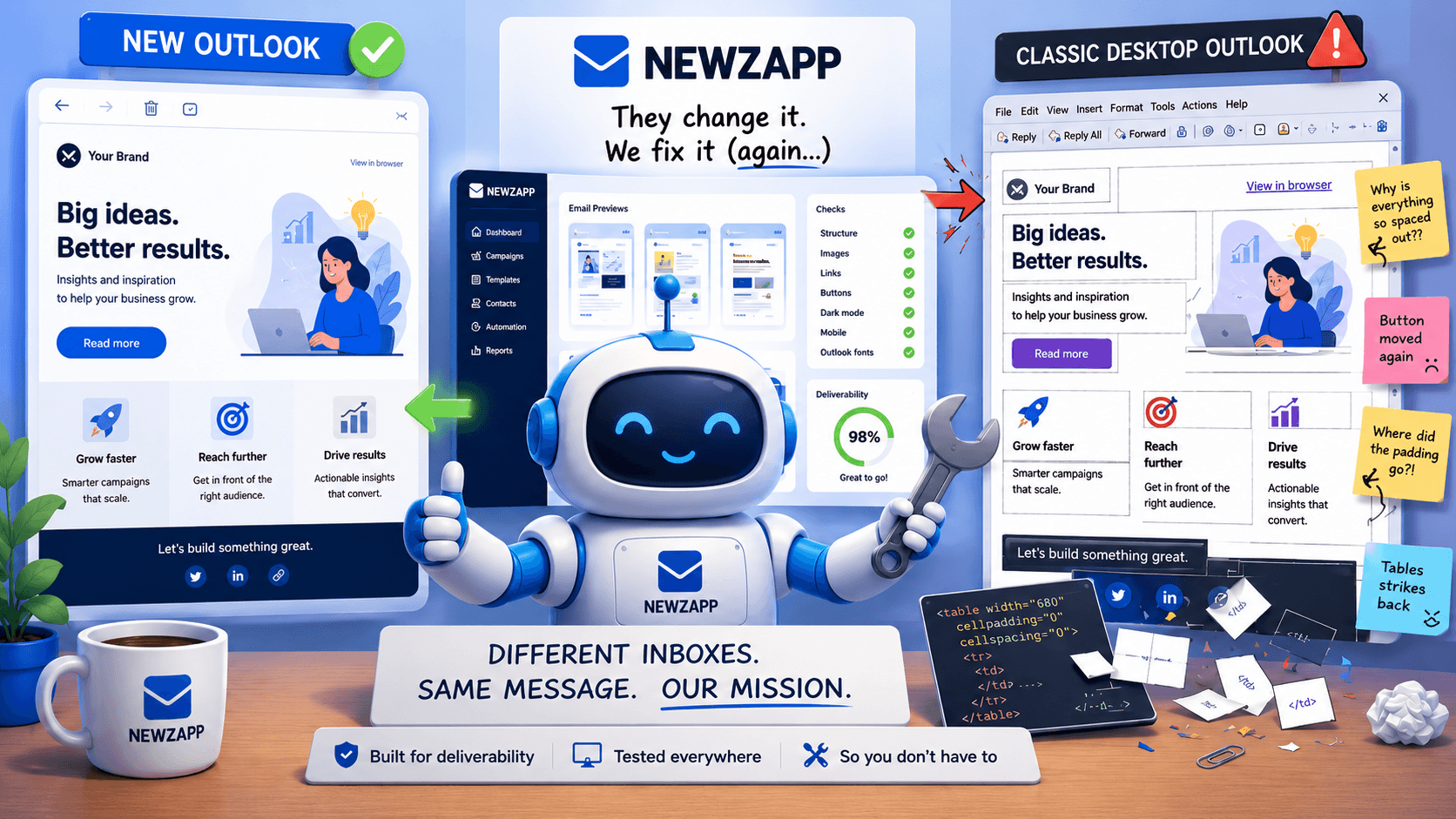
Why NewZapp keeps a chair reserved for the Outlook gremlin.
After over 20 years of working in this business, I had many working titles for this post. But my MD pointed out that “why is Microsoft Outlook so [insertswearwordhere]” could be taken the wrong way by angry Californian based lawyers. So, I cooled my jets and opted for a more pragmatic approach above…
At NewZapp, we have spent years helping businesses send email campaigns that look polished, professional and on-brand. We have also spent years dealing with Outlook, which is less an email client and more a series of increasingly creative obstacles wearing a Microsoft badge.
You build a clean HTML email. You test it. You admire the spacing. You feel, briefly, like a competent adult.
Then someone opens it in Outlook.
Suddenly:
- your lovely button has become a suspicious rectangle
- your padding has gone on annual leave
- your carefully balanced layout now looks like it was assembled by a committee of caffeinated ferrets.
Welcome to HTML email rendering. Please keep your arms and legs inside the table layout at all times.
TL;DR WARNING
This blog is a monster! After many years fighting in the trenches for NewZapp users I have a lot to say on the subject. Some would say too much, but, I prefer to call it passion rather than obsession. So to help, here is a handy little index for you to skip to the bits you like the sound of!
First problem: “Outlook” is not one thing
Saying you use “Outlook” to the NewZapp customer service team is like saying you want “food” to a chef. You need to be much more specific!
Classic Outlook: where CSS goes to retire
Hands up who remembers the tapping paper clip. I’m certainly long in the tooth enough… And, still amazed how many organisations still use such old versions of Outlook!
New Outlook: better, but don’t start high-fiving yet
Before you ask. No, you still can’t embed a video in an email… This is not a “NewZapp can’t” thing (because we can), this is an “Outlook won’t” thing (because they strip them out) I’m 53 years old and plan to make it to 100. Even my funeral invite email won’t have an embedded video of me from beyond the grave on it in Outlook 2073.
How NewZapp helps tame the Outlook beast
Nothing but experience, advice and shoulders to cry on here at NewZapp. We’ve seen it all and have every T-Shirt.
The Final Boss: Dark mode, the moody teenager of email rendering
Just when we’re all getting used to animated gifs working. Here comes a new an all new villain for us to lose sleep over.
A Personal Plea: Please don’t forward your emails.
Nothing makes your carefully crafted email campaign look like a bag of rusty spanners quicker than forwarding it via Outlook to someone else.
Why Word Tables and Emails Should Not Be Friends
Outlook may try its best. But the end result is often an email that technically contains the information, but only for mobile readers with the patience of a saint and the eyesight of a hawk.
So, what does NewZapp actually fix?
Enough waffle Darren – get to the good stuff please…
Outlook HTML Email Support: The “Will It Break?” Table
I’ve tried to turn this blog’s gremlins guide into a practical compatibility table. I’m going to frame it as “safe / partial / risky” rather than absolute yes/no, because Outlook loves exceptions almost as much as it loves eating padding.
First problem: “Outlook” is not one thing
When one of our users say, “It looks broken in Outlook,” our correct response is not panic. Not yet.
The correct response is:
“Which Outlook?”
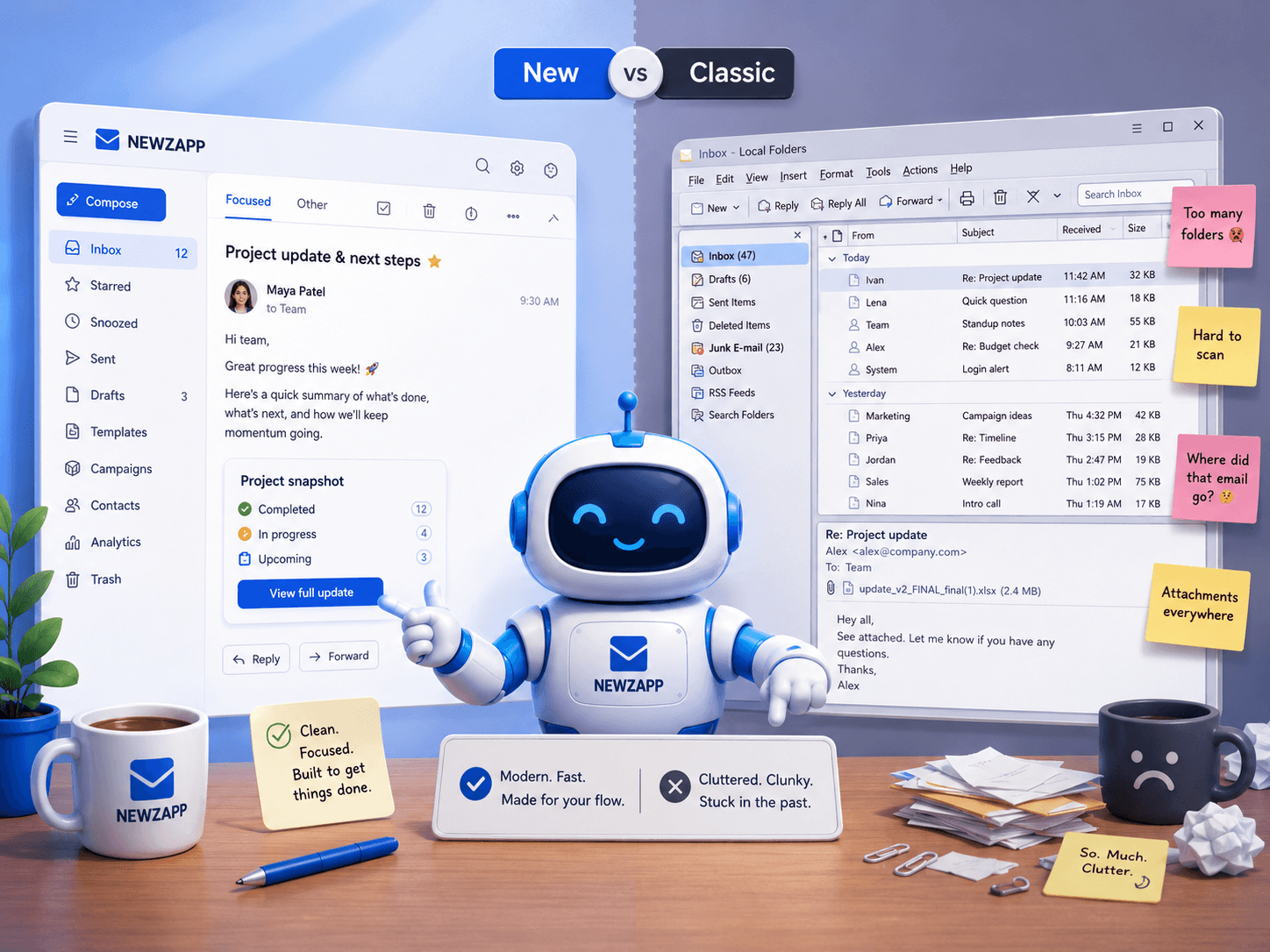
Because Outlook is not one thing. Outlook is a family. A complicated family. The kind where nobody sits next to each other at weddings.
There is classic Outlook for Windows, the desktop version many businesses still use every day. Then there is Outlook on the web, which runs in the browser. And now there is the new Outlook for Windows, which looks like a desktop app but is much more closely related to the web version.
That matters because they do not all render HTML emails in the same way.
Classic Outlook for Windows has historically used Microsoft Word to render HTML emails.
Yes. Word.
The same application that occasionally moves your image three pages down because you breathed near it is also responsible for interpreting your email campaign.
That explains a lot, doesn’t it?
The new Outlook is much more web-based, which generally makes it better behaved with HTML and CSS. It is more modern. It is cleaner. It is less likely to take your email into a dark room and rearrange its organs.
But, and this is a very Outlook-shaped but, it does not mean every problem has disappeared.
Classic Outlook: where CSS goes to retire
Classic desktop Outlook is the reason email developers still talk about nested tables like they are discussing ancient survival techniques.
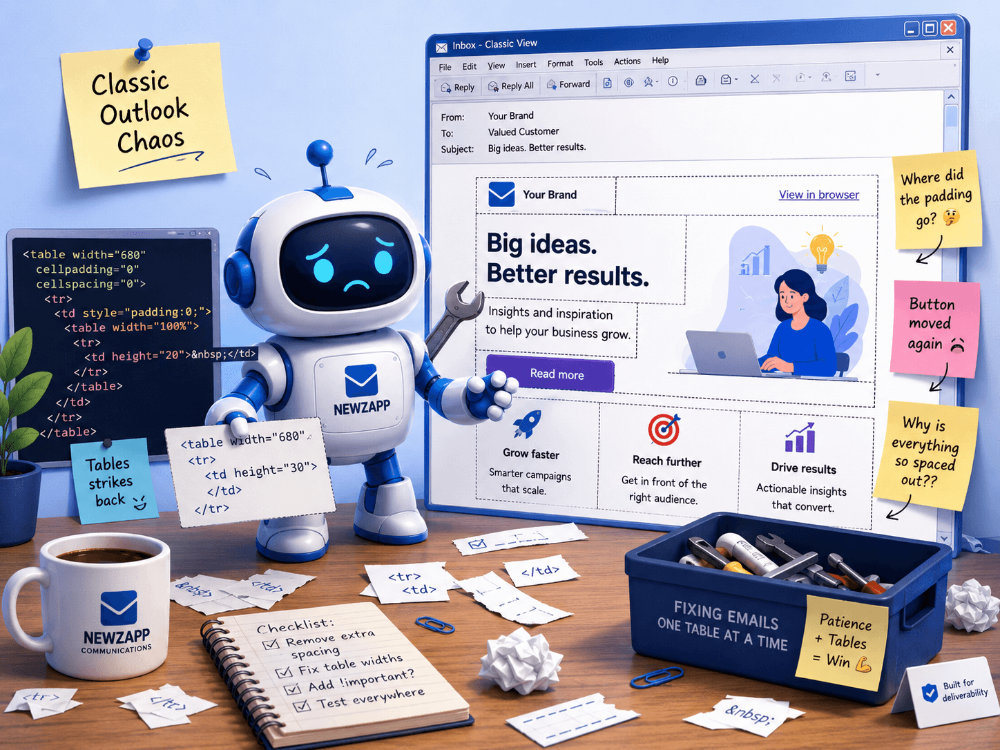
Modern web designers have flexbox, grid, responsive containers, custom fonts, clever positioning, animations, and all sorts of shiny tools.
Classic Outlook looks at all that and says “No thanks, I prefer 2007.”
Some of its greatest hits include:
- Ignoring modern CSS.
- Treating padding as more of a vibe than an instruction.
- Making line-height decisions without consulting anyone.
- Refusing to play nicely with background images.
- Resizing images in ways that suggest personal resentment.
- Turning elegant buttons into something you might find in an old intranet.
- Taking a responsive layout and asking, “What if this was slightly broken?”
It is not evil. Probably.
It is simply operating from a different era. An era where email HTML is less “mini webpage” and more “Word document wearing a fake moustache.”
New Outlook: better, but don’t start high-fiving yet
The new Outlook is a genuine improvement. Because it is based much more closely on Outlook on the web, it tends to behave more like a modern webmail client and less like classic Outlook’s Word-powered swamp monster.
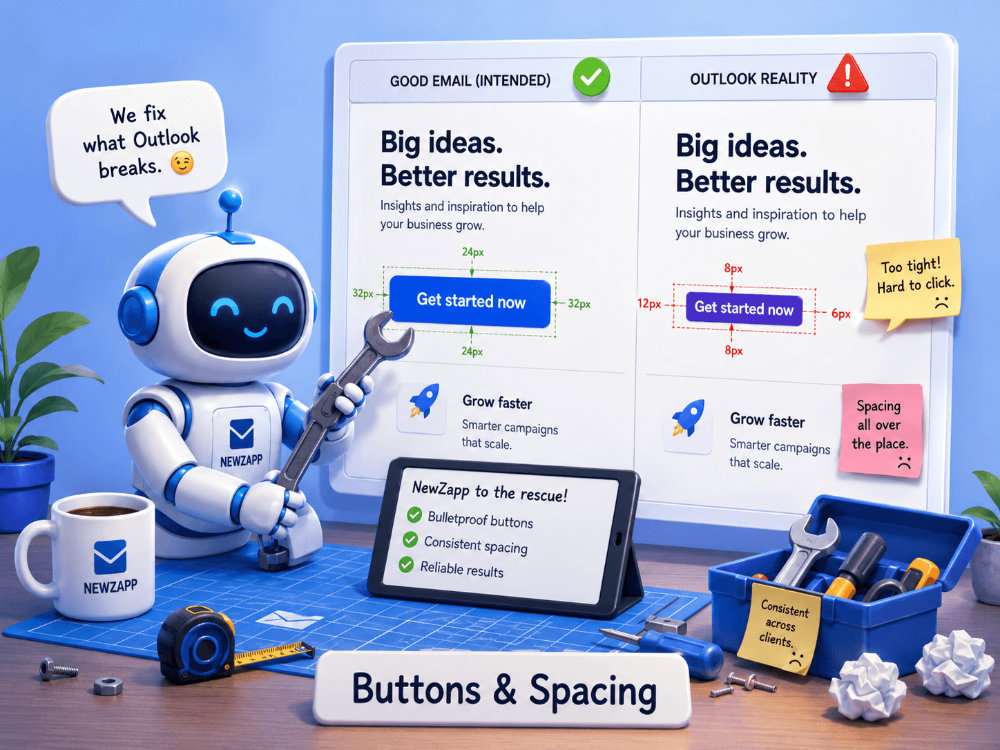
That means layouts can be more predictable. CSS support is generally better. Some of the old Outlook-specific hacks become less necessary. Your email may even look eerily close to how it looked in the editor.
Naturally, this is where people get brave. And bravery is how email campaigns get weird.
The new Outlook is better, yes. But it is still an email client, not a normal web browser. Email clients sanitise code, block images, rewrite links, adjust colours, change spacing, and generally interfere with your masterpiece in the name of security, privacy and, occasionally, chaos.
So while the new Outlook is a step forward, it is not a golden ticket to use whatever HTML and CSS you fancy.
This is email. There are rules. Strange rules. Old rules. Rules written in the margins of a table cell in 2003.
The awkward bit: both Outlooks are still out there
Here is where things get properly annoying.
You cannot simply design for the new Outlook and pretend classic Outlook has retired to a quiet village.
Many organisations still use classic Outlook. Some users have moved to the new Outlook. Some switch between the two. Some tried the new Outlook, got annoyed that something familiar had moved, and immediately ran back to classic like it was a childhood pet.
So your campaign may be opened by two people in the same company using two different Outlook experiences.
- One sees a clean, modern, nicely spaced email.
- The other sees a layout that looks like it has been gently reversed over by a forklift.
- Same campaign. Same business. Different Outlook. Different universe.
This is why proper email building and testing still matter.
And this is also where NewZapp earns its biscuits.
How NewZapp helps tame the Outlook beast
At NewZapp, we cannot change the laws of Microsoft physics. We would love to. We have asked nicely. Outlook remains unmoved.
What we can do is build emails in a way that gives them the best possible chance of surviving the journey.
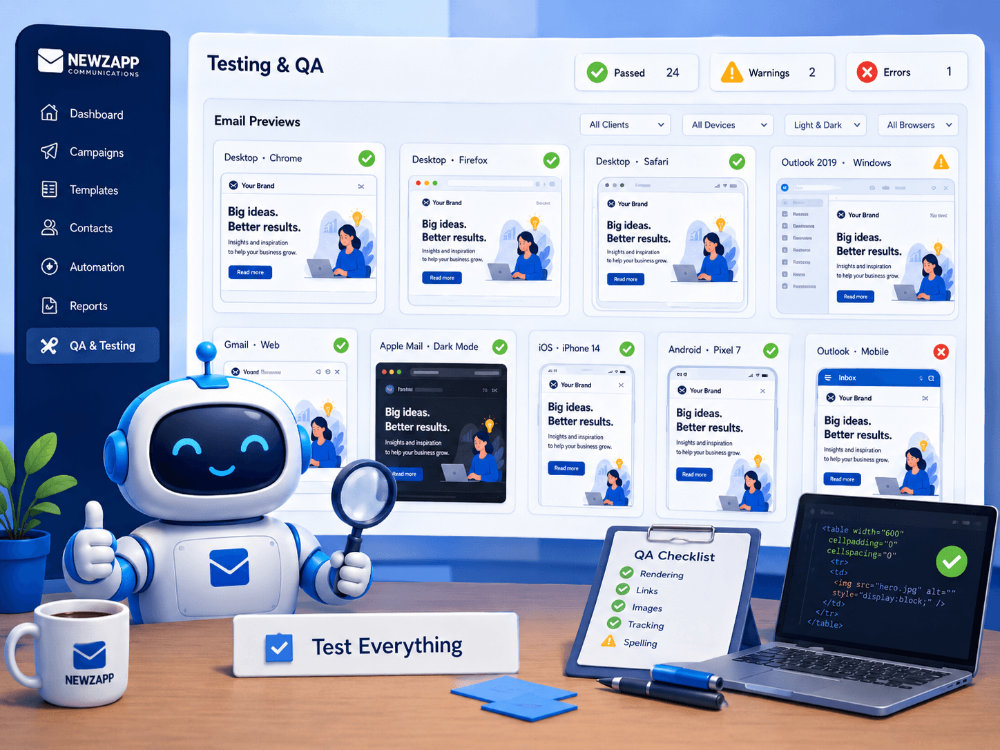
Our platform is designed to help customers create professional HTML emails without needing to personally wrestle every Outlook quirk, rendering oddity and spacing tantrum. A lot of the fiddly, technical stuff is handled behind the scenes so users can focus on the message, the audience and the campaign rather than wondering why a button has gone feral.
We help by encouraging email-safe design patterns, using robust structures, applying sensible formatting, keeping layouts responsive where possible, and avoiding the kind of fragile code that collapses the moment classic Outlook looks at it funny.
That means less guesswork. Less “why has this moved?” Less manually poking HTML until something behaves. Less sacrificing your afternoon to the gods of conditional comments.
In plain English: NewZapp helps your emails look good in the real inboxes people actually use, including the awkward ones.
The Final Boss: Dark mode, the moody teenager of email rendering
Dark mode sounds simple.
“Make the background dark and the text light.”
Lovely idea.
Unfortunately, email clients all have their own approach. Some invert colours. Some partially invert colours. Some leave images alone. Some adjust text but not backgrounds. Some seem to make decisions based on the tides.
Outlook is no exception.
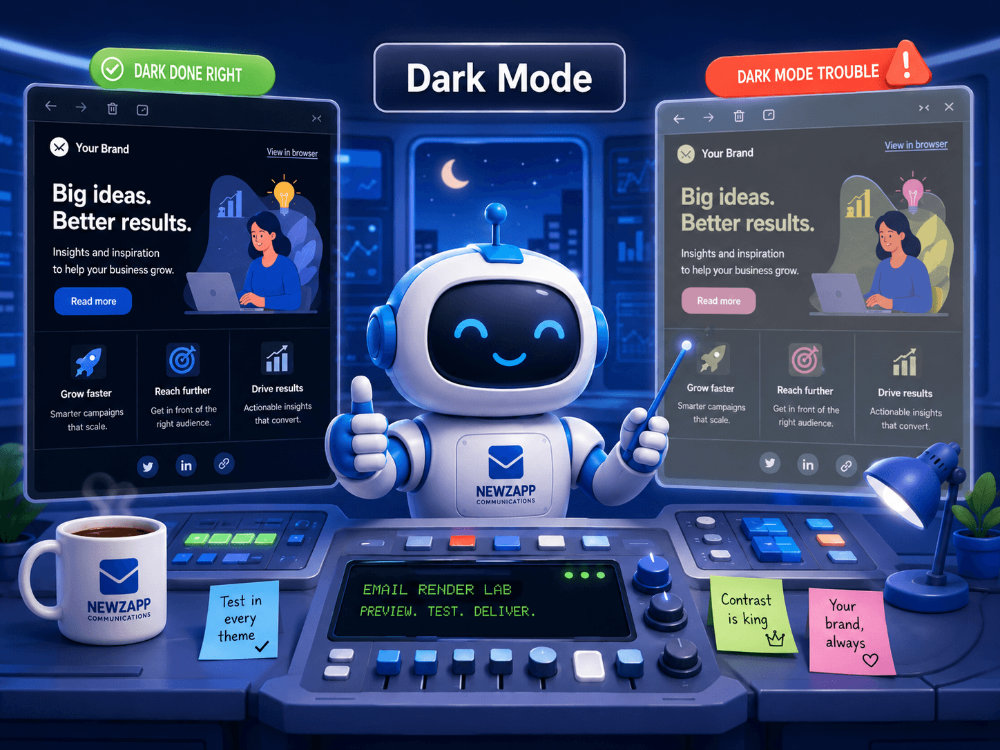
This means a brand colour that looks perfect in normal mode might look odd in dark mode. Text may change. Backgrounds may shift. Logos may need special care.
NewZapp helps reduce the risk by supporting sensible design choices, clear content structure and layouts that do not depend on fragile colour tricks. But dark mode remains one of those areas where testing and good judgement matter.
As a general rule, if your design only works in one exact colour combination under perfect conditions, Outlook will find it and poke it with a stick.A Personal Plea: Please don’t forward your emails.
Short and sweet this one.
Even if your email proof looks great when it lands, please don’t forward it to someone else to look at.
This is where all bets are politely placed in a shredder.
Send then their own copy via NewZapp!
Forwarding an HTML email can add extra code, remove styling, break layouts, alter spacing, and generally make a once-beautiful campaign look like it has been photocopied through a sock.
Outlook is particularly good at this.
NewZapp can help you build a strong original email, but once a recipient starts forwarding, replying, editing and sending it through their own setup, the message enters the wild.
At that point, the email is no longer in a controlled environment. It is backpacking through Outlook with no map.
Why Word Tables and Emails Should Not Be Friends
Copying a table from Word and dropping it into an email feels harmless.
It looks tidy in the document. The columns line up. The numbers behave. Everyone is happy.
Then it lands on a mobile phone.
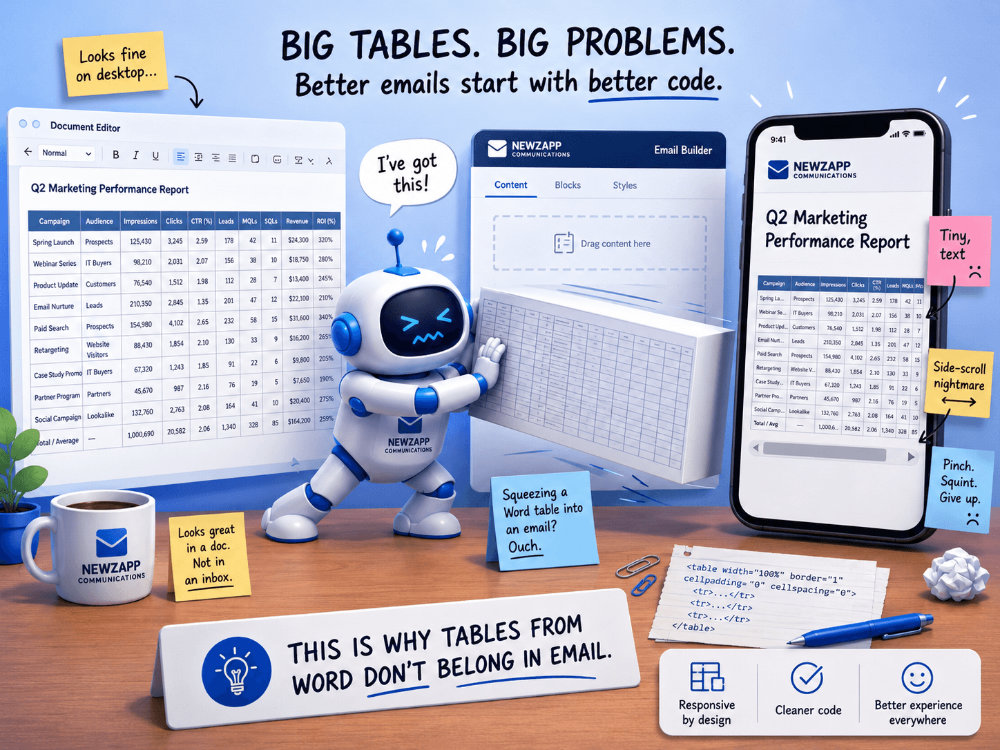
Suddenly your neat little table becomes a microscopic spreadsheet trapped inside an inbox. Text shrinks. Columns squash. Recipients start pinching, zooming, side-scrolling and questioning their life choices. Somewhere in the distance, an email marketer quietly closes their laptop.
The problem is that Word tables are built for documents, not responsive email. They are usually too wide, too rigid and packed with formatting that email clients do not particularly enjoy. Outlook may try its best. Mobile inboxes may try even less. The end result is often an email that technically contains the information, but only for readers with the patience of a saint and the eyesight of a hawk.
At NewZapp, we always recommend designing content for the inbox it will actually be read in. That means breaking large tables into cleaner sections, using simple layouts, highlighting the key information, and linking to full reports or documents when needed.
Because just because you can squeeze a Word table into an email does not mean you should.
Some things belong in attachments, landing pages or reports.
And some things, frankly, should never be allowed near a mobile screen without adult supervision.
So, what does NewZapp actually fix?
We fix a lot of the things that typically trip people up before they even hit send.
We help users build cleaner, more reliable email layouts.
We reduce the need for hand-coded HTML.
We help keep branding consistent.
We make it easier to create campaigns that work across desktop, mobile and webmail environments.
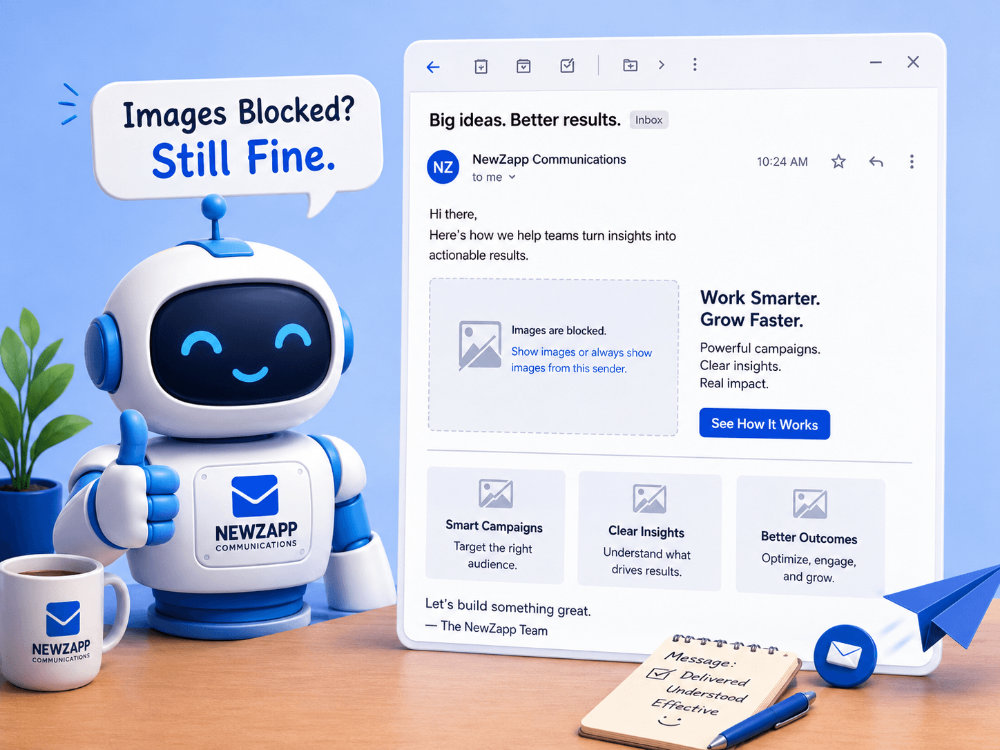
We guide users away from design choices that are likely to cause rendering issues.
We handle much of the behind-the-scenes formatting needed for dependable email campaigns.
We help avoid the common HTML email into Outlook mistakes that make Outlook throw its toys out of the pram.
And when there are limitations, we are honest about them.
That last bit matters.
Because the truth is, no email platform can control every inbox. Once an email leaves the platform, it enters a world of different clients, settings, security tools, corporate filters, device sizes and user preferences.
But a well-built email has a much better chance.
That is the difference NewZapp makes.
We cannot make Outlook normal.
But we can make your emails much better prepared for it.
HTML email into Outlook, The uncomfortable truth
The new Outlook is good news for HTML email. It is more modern than classic Outlook and generally more forgiving. It moves Microsoft’s email experience closer to the web and further away from the old Word-powered rendering cave.
But classic Outlook is still out there. In offices. On desktops. In organisations where “we’ve always used this version” is considered a technical strategy.
So for now, email marketers have to live in both worlds.
One foot in the modern web.
One foot in a Word document from 2007 wearing a trench coat.
That is why NewZapp takes Outlook seriously. Not because we enjoy wrestling with spacing issues, although frankly we are now worryingly good at it, but because your audience is using Outlook. Your customers are using it. Your staff are using it. Your stakeholders are using it.
And your email needs to work where people actually open it.
Not just in the nice inboxes.
Not just in the modern clients.
Not just in the preview that makes everything look suspiciously perfect.
In Outlook.
New Outlook, classic Outlook, and all the strange little corners in between.
So yes, celebrate the new Outlook. It is a step forward. Raise a mug of tea. Maybe even two biscuits.
But do not abandon good email practice. Do not assume every recipient has moved over. Do not throw away your fallbacks. And definitely do not send an important campaign without thinking about how Outlook might interpret your life choices.
Because somewhere, someone will open that email in classic Outlook.
And classic Outlook still has plans for your padding.
Outlook HTML Email Support: The “Will It Break?” Table
I’ve tried to turn this blog’s “gremlins guide” into a practical compatibility table. I’m going to frame it as “safe / partial / risky” rather than absolute yes/no, because Outlook loves exceptions almost as much as it loves eating padding.
And, just in case you missed it before. No you can’t embed a video in ANY version of Outlook. This is not a “NewZapp can’t” thing (because we can), this is an “Outlook won’t” thing (because they strip them out). Not Now, Not EVER!!
| HTML email issue / feature | Classic Outlook for Windows | New Outlook for Windows | Outlook on the web | NewZapp Approach |
|---|---|---|---|---|
|
Table-based layouts |
✅ Strong support |
✅ Strong support |
✅ Strong support |
We use robust email-safe layout structures where needed, because tables may be old-school, but they still pay the bills. |
|
Modern CSS layouts, such as flexbox and grid |
❌ Poor / unreliable |
✅ Much better |
✅ Much better |
We avoid relying on fragile modern CSS for core layout, so the email does not collapse when classic Outlook enters the chat. |
|
Responsive design |
❌ Poor / unreliable |
✅ Much better |
✅ Much better |
We build with responsive-friendly structures, while keeping classic Outlook fallbacks in mind. |
|
Embedded video |
❌ No |
❌ No |
❌ No |
Don’t say it… Don’t say it… Don’t say it… Don’t say it… Don’t say it… Don’t say it… |
|
Forms inside emails |
❌ No |
❌ Not recommended |
❌ Not recommended |
We usually direct users to a proper landing page or our built in Survey platform rather than gambling on inbox form support. |
|
Hover effects and interactive CSS |
❌ Poor |
⚠️ Better, but not universal |
⚠️ Better, but not universal |
We treat interactivity as an enhancement, not something the email depends on. |
|
MSO (Microsoft Office) conditional comments |
✅ Supported / useful |
❌ Sometimes ignored |
❌ Sometimes ignored |
We use Outlook-specific fallbacks where appropriate for classic Outlook. Tiny coded trapdoors, basically. |
|
Forwarded email rendering |
⚠️ Can break things badly |
⚠️ Can still change formatting |
⚠️ Can still change formatting |
We build the original email as cleanly as possible, but forwarded emails are the Wild West with a reply button. |
|
Overall HTML/CSS reliability |
⚠️ The problem child |
✅ Much improved |
✅ Much improved |
NewZapp helps smooth over most common rendering issues, while being honest that no platform can fully control every inbox, setting and corporate IT oddity. |
See how NewZapp helps comms teams reach every subscriber and prove engagement in 30 minutes.
Fill out the form to get a guided walkthrough of our award winning communications platform. The demo takes approximately 30 mins and is done online at a time that suits you. We’ll take a look at the following areas:- The easy to use email editor
- Creating a survey
- Contact management
- Improving delivery & response rates
- Detailed result analytics

Darren Hepburn
Operations Director
Bon Jovi loving gym junkie and NFL fan. I spend most of my time thinking about the impact technology is having on our society and the world of internal communications.