
Creating emails that look good on all devices

Employee survey tools overview

Creating emails that look good on all devices

Not everyone receiving your emails is going to be sitting in front of a monitor. More and more of your contacts are checking emails on mobile devices by preference, and not because they're out of the office.

Not everyone receiving your emails is going to be sitting in front of a monitor. More and more of your contacts are checking emails on mobile devices by preference, and not because they’re out of the office.

Do you know how your emails look on mobile?

All NewZapp accounts include the tools to check how your email looks on mobile and just how many of your contacts are opening on mobile. Its not just the content of the email, but that is important!

Here are the places to look:

Inside the email editor

The power to preview and edit your campaigns as they will appear on a mobile device before sending.

When editing an email in Create & Send look for the slider at the bottom of your editing window. This enables you to view your email from two different view points.

  • For best results, switch to Preview mode first.
  • Then click on the bottom centre icon to switch your view from desktop to mobile preview, and back again.

You don’t need fancy HTML knowledge—our design team has you covered. The templates you use for creating campaigns come fully equipped.

Font sizing, image scaling, font styles, and content stacking—all seamlessly integrated. The result? A dynamic and comfortable experience for your email recipients. They can focus on your messages without the hassle of zooming in or out for clarity.

Inside reports

Your emails have been sent, but who have they reached and how have they been viewed?

Every email you send continually creates data for you to analyse. Thanks to NewZapp device reporting you can see email trends in action on every campaign you send. Are your emails predominantly being read on desktop, mobile or tablet? In Outlook 2016, Mac Mail or one of the other many email readers that NewZapp identifies and logs for you?

Device reporting overview for email campaigns
Understanding how email designs perform across different devices with device reporting

View a complete breakdown of how your emails are being viewed in NewZapp Reports.

Creating segments

Your emails are sent, but how do you learn and capitalize on the ever-changing trends in your contacts’ viewing habits?

  1. Continuous Learning:

    • Monitor campaign performance and analyze data.
    • Adapt strategies based on engagement patterns.
  2. Stay Agile:

    • Be ready to adjust tactics swiftly.
    • Embrace new technologies and platforms.
  3. Audience-Centric Approach:

    • Understand your contacts’ preferences.
    • Tailor content to their evolving habits.

In this dynamic environment, staying informed and agile ensures email success.


One of NewZapp’s most potent tools lies in its ability to segment your contacts based on their past behavior. It goes beyond merely tracking whether they opened or clicked on specific emails—it delves into their device preferences.

For example: Who opened emails on mobile devices? Let’s experiment by sending a campaign at 7 am instead of 3 pm and observe if we achieve even higher engagement.

In this dynamic landscape, harnessing behavior-based segmentation empowers you to tailor your marketing efforts effectively.

Discover the transformative potential of segmentation. Dive into how segments dynamically work in your favor, streamlining processes and saving you valuable time. No more cumbersome data exports and re-imports—just efficient, targeted insights.

See how NewZapp helps comms teams reach every subscriber and prove engagement in 30 minutes.

Fill out the form to get a guided walkthrough of our award winning communications platform. The demo takes approximately 30 mins and is done online at a time that suits you. We’ll take a look at the following areas:
  • The easy to use email editor
  • Creating a survey
  • Contact management
  • Improving delivery & response rates
  • Detailed result analytics
After the demo, get your own NewZapp account free for 30 days.

Book A Demo

Filter Categories

Branded QR codes fail when they sit in corridors nobody pauses in. This placement playbook shows how to audit surfaces by moment of need and dwell time, tier them, and test what actually gets scanned.
Polite agreement is the most common answer to an engagement survey and the least useful one. Here is how to write questions people can answer candidly, with rewrites you can reuse.
Staff emails compete with everything else in the inbox. This analysis looks at why internal communications struggle for attention, what open and click data really proves, and how to build a measurement routine you can take to stakeholders.
Feature grids make every internal communications platform look the same. This evaluation framework covers what actually separates them: where employee data sits, what your reporting can prove, and whether feedback lives next to the send.
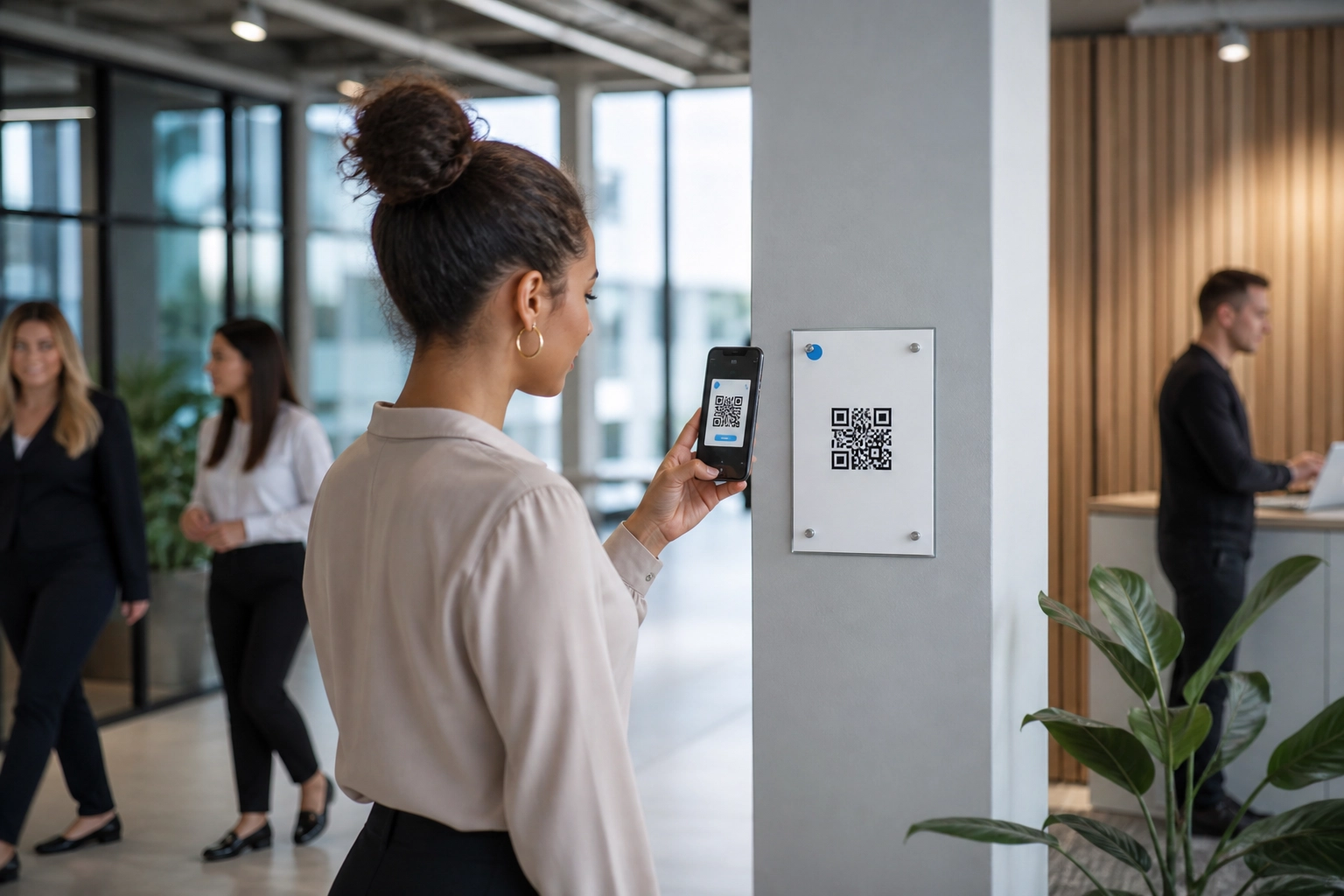
Email alone leaves frontline and deskless staff out of the loop. This playbook shows where to place QR codes, what each one should link to, and how to measure whether anyone acted.
Public sector stakeholder updates demand more than a send button. This analysis sets out the hosting, data protection and measurement standards a compliant UK email updates platform should meet.

Closing the Internal Communication Gap in UK Further Education

UK Further Education (FE) colleges are among the most complex and mission‑critical institutions in the public sector. They sit at the intersection of education, skills, employability, social mobility and local economic growth. Unlike universities, FE colleges are intensely place‑based and delivery‑focused, serving diverse learner cohorts including 16–18 students, adult learners, apprentices, employers and communities.

Read The Blog »

What Causes Internal Emails to Miss Staff Inboxes

Are your internal emails reaching every member of staff? For communications teams in large organisations, the answer is often less certain than you’d expect. Messages that never arrive at the inbox can undermine trust, delay critical updates, and leave colleagues without the information they need to do their jobs safely.

Read The Blog »